
 TrueType File Format


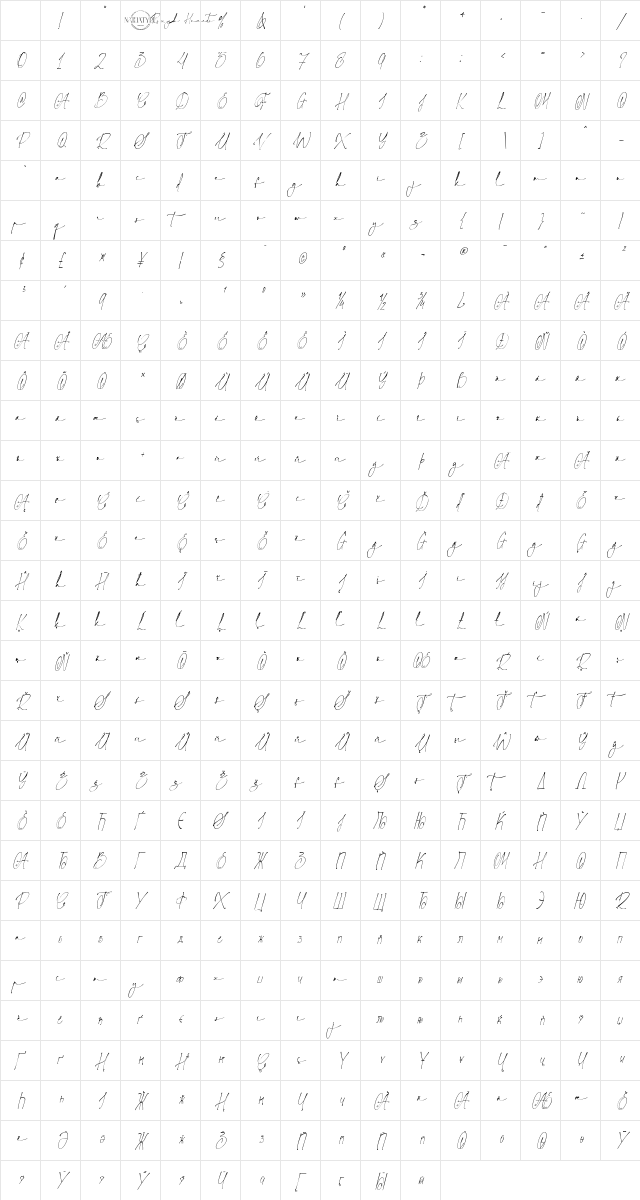
Rough Hearts Personal Use Only Regular Character Map
Complete Rough Hearts Personal Use Only Regular glyph index. Displaying only characters natively supported by Rough Hearts Personal Use Only Regular font.
Rough Hearts Personal Use Only Regular Test Drive
Download Rough Hearts Personal Use Only Regular
File size: 322.5 KB
File Version: Wed, 12th Feb 2025
File Name: rough-hearts-personal-use-only-regular.ttf
Design Context for Rough Hearts Personal Use Only
Rough Hearts Personal Use Only embraces imperfection - its rough, textured character adds raw authenticity to designs that want to feel lived-in and unconventional.
First published in 2025, this typeface is available in TrueType (TTF) format.
A strong fit for alternative music projects, graffiti-adjacent design, and anything that deliberately resists polish.
Font Pairing: Pair with a clean, minimal sans to create contrast between raw and refined - the tension is part of the effect.
Pro Tip: Use Rough Hearts Personal Use Only at larger sizes where the texture and irregularity of each letterform can be clearly seen - it loses its character at small sizes.
Frequently Asked Questions about Rough Hearts Personal Use Only Regular
Is Rough Hearts Personal Use Only Regular free to download?
Yes, you can download Rough Hearts Personal Use Only Regular for free at uFonts. It is available in TrueType format.
How do I install Rough Hearts Personal Use Only Regular on my computer?
To install this font, download the file and unzip it if necessary. On Windows: Right-click the font file and select "Install." On Mac: Double-click the file and click "Install Font" in the Font Book preview.
Download Popular Fonts
Most popular fonts right now.









